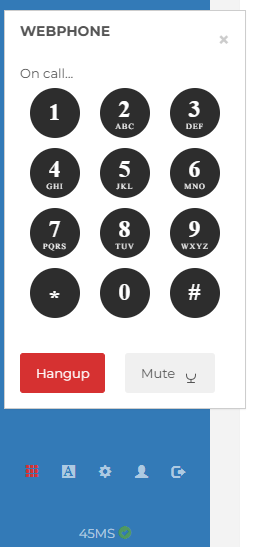
Connected to a call that has an IVR or Auto Attendant and you need to press a key to navigate the menu? No problem you can bring up a key pad in the dialer to do just that.
In the bottom left hand side of the screen is what look like a red tic tac toe icon. Click on that while your in a call and it will bring up the key pad.
If your not in a live call and you click to open the key pad no numbers will appear, it will just say Web Phone Ready. You can keep that open while on the dialer or open and close it as needed.
Below is a screen shot of what the keypad looks like